VAT registration, the rate on an invoice and the right to deduct purchase VAT are three separate questions. Start with the business's activity and turnover, then review the transactions. Being a small company or having overseas customers does not settle every VAT question.
Check the threshold in lek
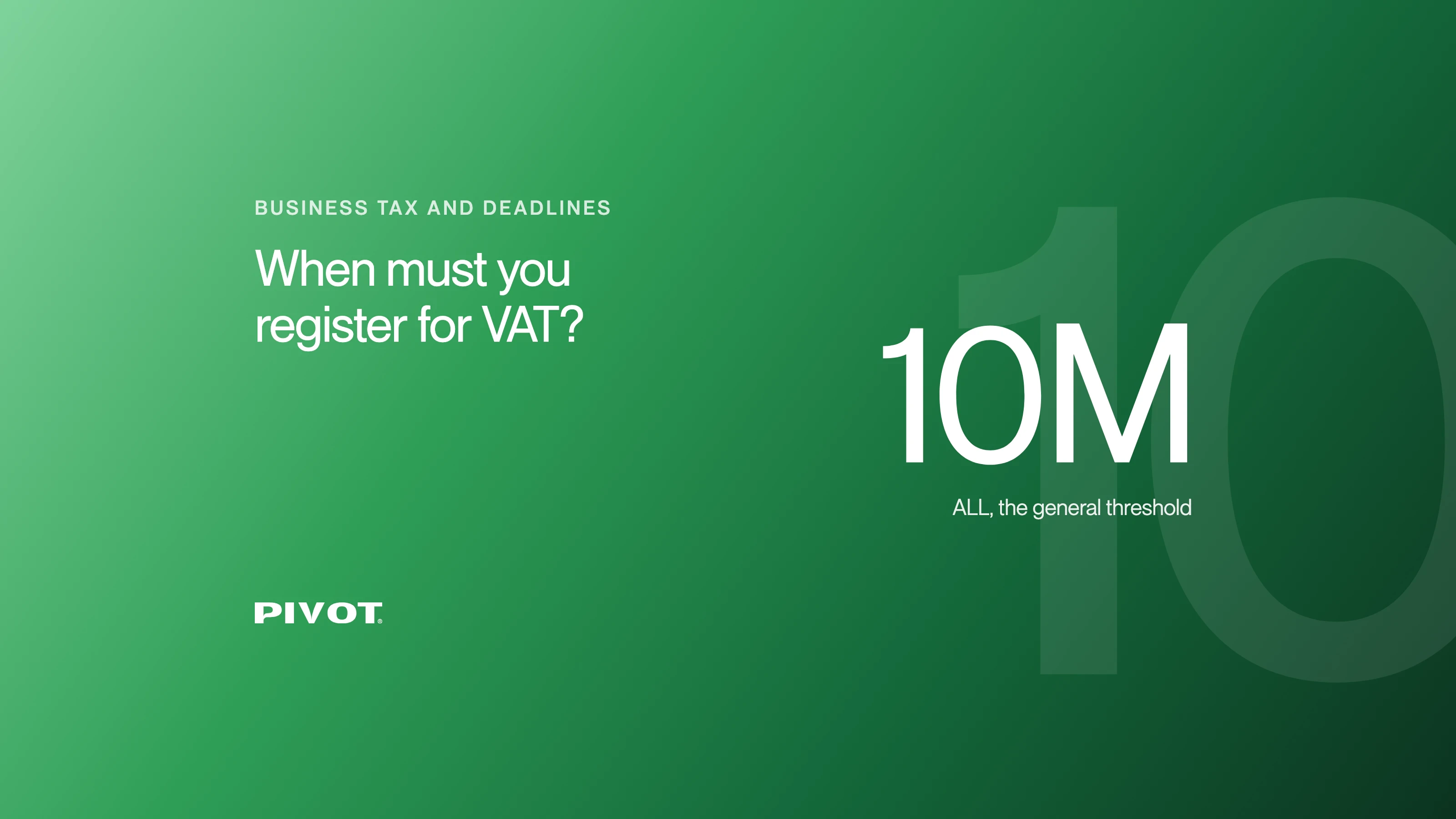
Article 11 of Decision 953/2014, as amended, sets the general annual registration threshold at ALL 10 million. It also contains specific rules, including a zero threshold for notaries and public or private judicial bailiffs. Review imports and other special circumstances separately rather than relying on turnover alone.
The same provision permits voluntary registration under its conditions for turnover above ALL 5 million. Do not assume every business below the general threshold can opt in on identical terms. Ask when registration takes effect and which first reporting period applies.
These thresholds are separate from the income-tax provisions explained in the business-tax guide. Keep the assessment in the legal currency, not an approximate euro amount.
Decide the treatment of the actual supply
The standard rate is 20% under article 48 of the VAT law. Reduced rates, exemptions, zero rating and place-of-supply rules apply to defined circumstances. “The client is foreign” is not enough to choose 0%. Check what is supplied, to whom and where the supply is treated as taking place.
For purchase VAT, a payment and an invoice alone do not automatically establish full deduction. Business use, the supply and the relevant conditions matter. Exempt and zero-rated supplies are also different concepts and can have different consequences for deduction.
Try the invoice arithmetic
Once the applicable rate has been established, you can calculate the net value, VAT and total. The tool lets you enter a rate and distinguish prices that include VAT from prices that exclude it. It does not select your legal rate.
Calculate VAT on an example amount
Compare a VAT-exclusive price with a VAT-inclusive price. Confirm the applicable rate separately.
Write it as 1,250,000 or 1250000, with a point for decimals (1,250.50). Amounts up to ALL 1 billion.
- Net amount
- 10,000
- VAT
- 2,000
- Total
- 12,000 ALL
Arithmetic only. The 20% rate is an example, not a decision for your invoice. This does not determine registration, input deduction or your tax return liability.
Your choices stay on this page and reset on reload. They are not sent to Pivot or the tax authority.
Official source: Albanian tax authorityIllustrative example: ALL 10,000 excluding VAT at 20% gives ALL 2,000 VAT and a total of ALL 12,000. If ALL 10,000 is already VAT-inclusive at 20%, the net amount is ALL 8,333.33 and VAT is ALL 1,666.67. This distinction matters when agreeing a price with a customer.
Prepare for the first registered period
Confirm the effective registration date and invoice configuration. Gather the sales and purchase records, identify corrections and separate transactions requiring special review. Ask which purchase VAT is eligible before using it to estimate the return balance. Keep declaration and payment deadlines in your business calendar.
Agree with your accountant which records to hand over each month. For online sales, also review platform payouts and refunds.
Does registration mean every invoice carries 20%?
No. Registration and the treatment of each supply are separate.
Can this calculator tell me the VAT due on my return?
No. It calculates a single amount at the rate you enter. A return requires the full period's transactions, eligible deductions and adjustments.
Should I change an agreed price after registration?
Review the contract and whether the price includes VAT before changing an invoice. Registration does not rewrite the commercial agreement for you.
Ask Pivot to review your VAT setup.
Official sources
Sources consulted on 27 October 2026. Examples are illustrative; your treatment depends on the period, status and supporting records.